Switch demo
Tap a premium keycap and hear the switch.
Choose a preset, press the keycap, and compare the character of each switch profile in real time.
CLICK ME!
HARDWARE-GRADE KEYSTROKES
A high-fidelity custom keycap engine and companion app loaded with responsive spring physics, dynamic neon lighting, and authentic mechanical switch acoustics.
The Google Play test build is available only after joining the Mechy tester group.
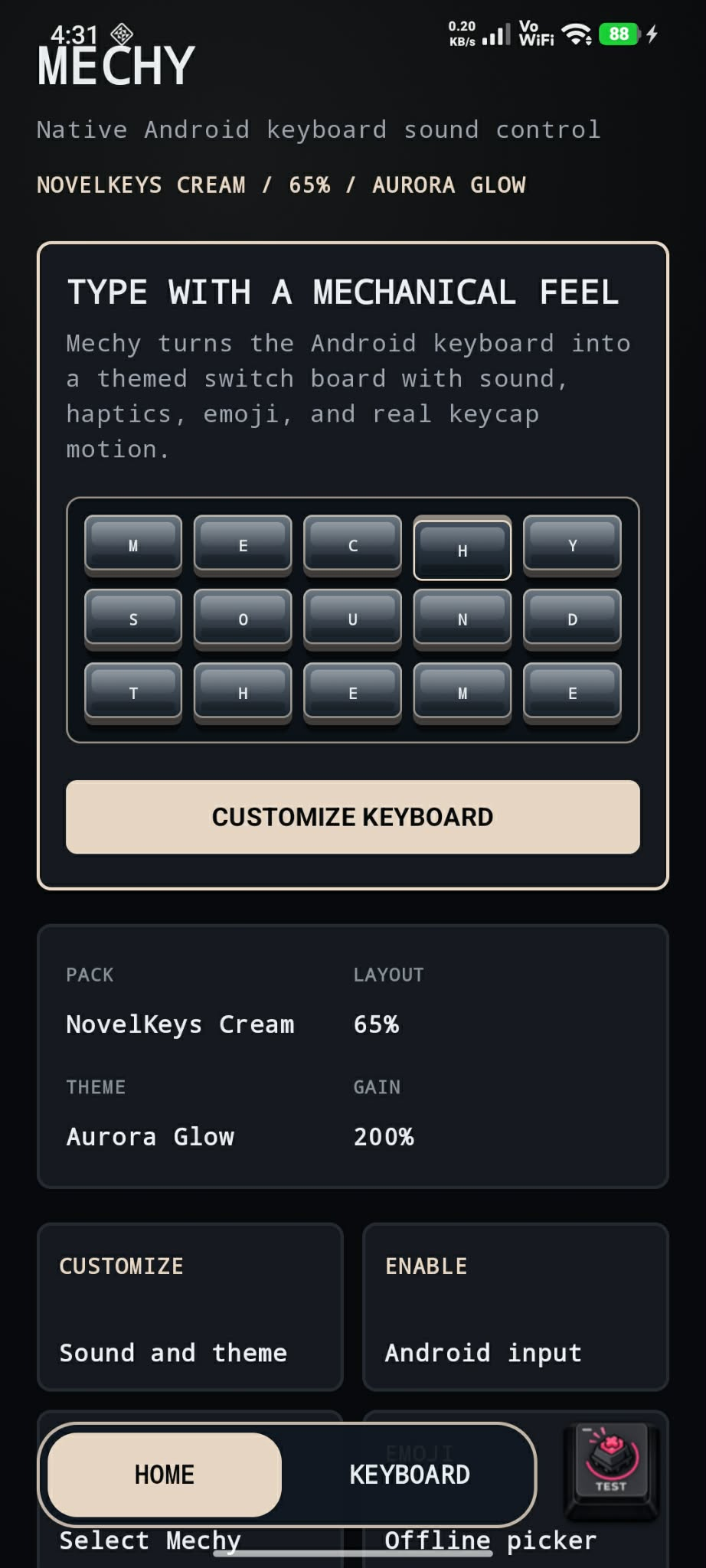
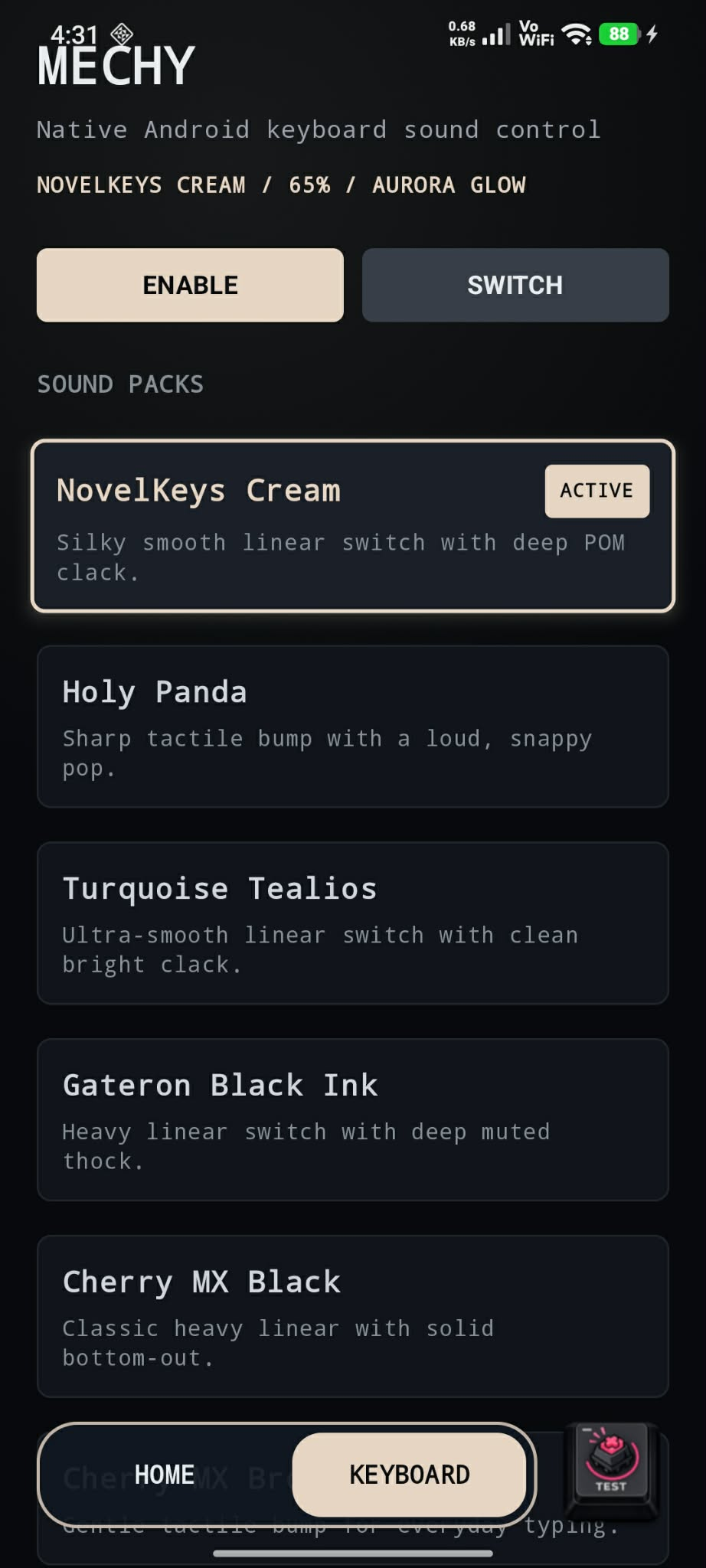
Switch demo
Choose a preset, press the keycap, and compare the character of each switch profile in real time.
CLICK ME!
Features
I stripped away the clutter to give you the most satisfying, tactile typing experience possible.
Crisp switch sounds mapped to every screen tap.
Neon accents that follow your active keyboard theme.
Set key volume with clean LED-style controls.
Low-latency vibration for weighty taps.
Subtle pitch and volume shifts keep typing fresh.
Offline by design, with keystrokes kept on-device.
Quick answers about privacy, keyboard behavior, and how Mechy works on Android.
Absolutely not. Mechy is designed to operate 100% locally and offline. It behaves as a secure keyboard service that does not contain any networking code. Your keystrokes, passwords, and private data never leave your device.
This is a default, standard security warning that Android shows for every single third-party keyboard app activated on the system. You can verify that Mechy does not collect data by checking the app's system permissions. Mechy does not require or request network or internet access.
When typing on a physical keyboard, each keypress sounds slightly different based on the angle and pressure of your finger. Our Human Randomization engine applies minor, low-latency variations in pitch and gain to every key tap, giving you a natural, non-repetitive typing sound.
Simply open the Mechy companion app and navigate to the DESIGN tab. Under "Keyboard Layout & Preview", you can choose your physical layout preset (Fullsize, TKL, 75%, 65%, HHKB, or Mobile).
Yes. You can switch back and forth between Mechy and your phone's default keyboard at any time by tapping the system keyboard selector icon located at the bottom-right of your navigation bar during active typing.

Closed testing
Join the closed test to try low-latency mechanical sound packs, custom switch actuators, and responsive cybernetic keyboard decks before public release. The Google Play test link works only for approved tester group members.